Registration & ticketing infrastructure

Run the door,
not the spreadsheet.

Three production registration systems, live below on seeded data. Register, approve, invoice, scan, export. The whole operation, not a form with a mailing list bolted on.

Five minutes, three roles. No sign-up, nothing leaves the machine.

Hybrid & onlineFree & paidApproval-gated
QR badge & door scan Approval queue Single-use join links H-7 / H-1 reminder waves Tiered paid tickets Group registration Self-promoting waitlist E-certificate at 300 dpi CSV & Excel export EN / ID QR badge & door scan Approval queue Single-use join links H-7 / H-1 reminder waves Tiered paid tickets Group registration Self-promoting waitlist E-certificate at 300 dpi CSV & Excel export EN / ID
0Systems running01
0Registrants seeded02
0Emails produced03
0Capabilities shipped04

One codebase

A fourth event is a config change, not a rebuild.

All three share a schema and a template set. What differs between them is a dictionary of flags: which channels exist, whether staff approve, whether money changes hands.

A team at a table working through a wall of sticky notes

The line-up

Three events. Three brands. One engine.

Each is a full public site plus a staff back office. Click into any of them. They are running, not screenshots.

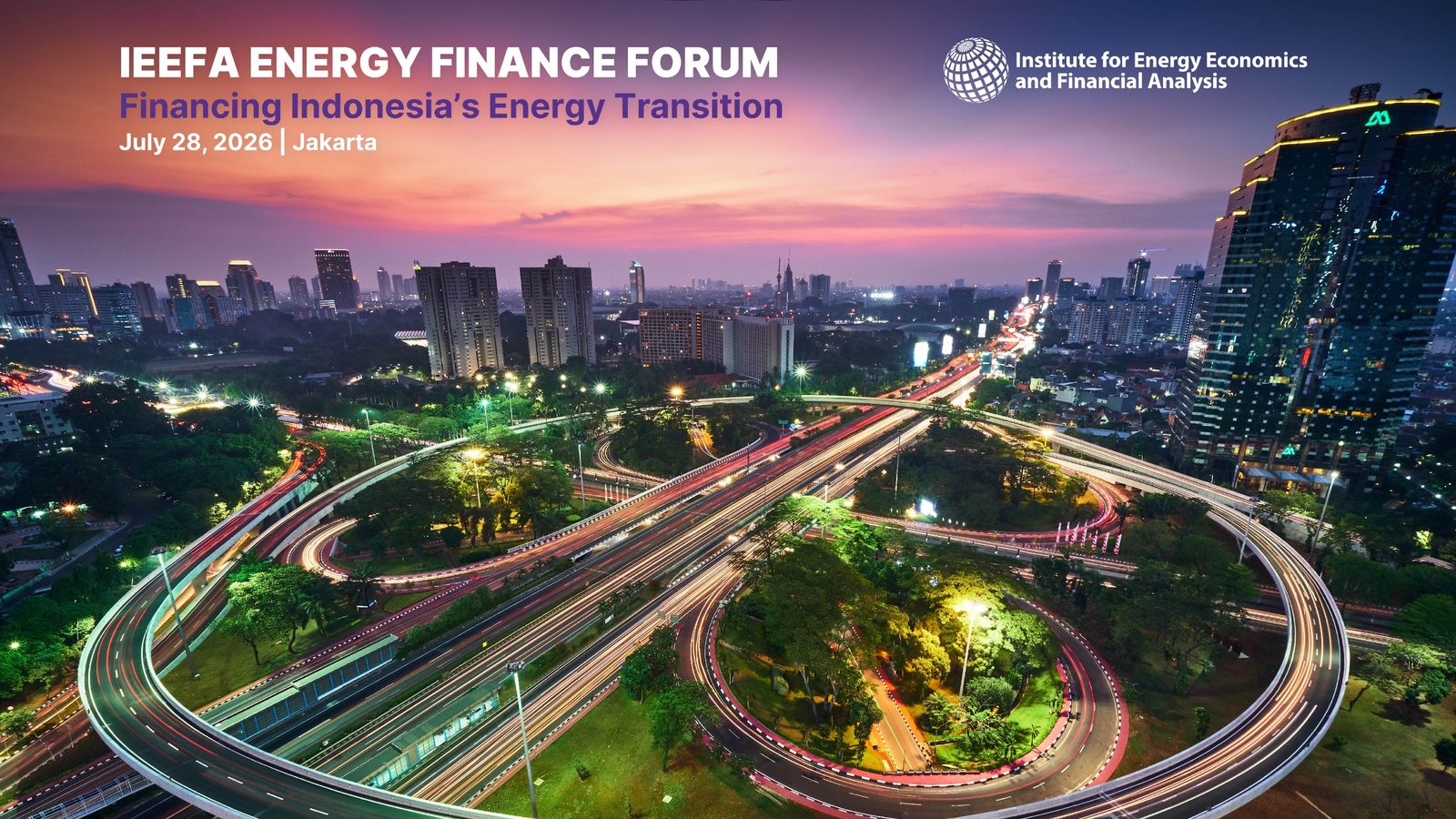
IEEFA Energy Finance Forum Hybrid conference

IEEFA Energy Finance Forum

An invite-gated hybrid forum: a capped room at The Westin plus an online audience. Seats are held per channel, on-site guests get a QR badge, and the door team scans them in.

  • Public event page + agenda
  • Duplicate-email guard
  • Live capacity counter
  • CSV + Excel export
  • Staff dashboard & outreach
  • +7
18Registered
420Seats
30Emails
Seats taken 18 / 420
Registered

Honda DIGICON 2026 Approval-gated webinar

Honda DIGICON 2026

A dealer-network webinar where nobody gets in by signing up alone. Staff approve each registrant, approval sends the mail, the join link is single-use, and an e-certificate opens only after the event day.

  • Public event page + agenda
  • Duplicate-email guard
  • Live capacity counter
  • CSV + Excel export
  • Staff dashboard & outreach
  • +4
22Registered
500Seats
39Emails
Seats taken 21 / 500
Registered
Paid ticketing (new) New

iRegist Builder Summit 2026

The system the first two do not cover: money, teams and parallel rooms. Priced tiers with their own quota, group registration that badges every team member, promo codes, an invoice staff verify by hand, and a waitlist that promotes itself when a seat frees.

  • Public event page + agenda
  • Duplicate-email guard
  • Live capacity counter
  • CSV + Excel export
  • Staff dashboard & outreach
  • +10
49Registered
240Seats
89Emails
Seats taken 52 / 240
Registered Waitlisted · 3
Demo
Nothing here leaves the machine. Emails are captured in the Outbox instead of being sent, and every name, address and phone number is generated. Staff pages open with

The pipeline

From "submitted" to "standing in the room".

Six stages every event passes through. Which of them exist, and what happens inside each, is what separates the three systems.

01 Register
02 Gate
03 Review
04 Issue
05 Remind
06 Admit

1/6 Register

Register

One form, shaped by the event. Free or paid, one attendance channel or three, an individual or a team of five. A duplicate email is caught on the way in and returned to its existing registration rather than creating a second one.

IEEFADIGICONSummit
Live capacity
Each channel, tier and workshop room draws from its own seat pool, counted at submit time.
Group orders
The Summit prices a team of up to five and badges every member from one submission.

Gate

Not everyone who submits gets a seat. The room can be invitation-only, the tier can be sold out, registration can be closed. Each of those is a different answer, and the form gives the right one instead of a generic error.

IEEFADIGICONSummit
Invitation allowlist
IEEFA's physical room only accepts addresses on a list staff edit from the dashboard.
Waitlist
A sold-out Summit tier still takes the sign-up: into a queue, in order, owing nothing.

Review

A human decides. For the webinar that is an approval queue; for the paid summit it is finance confirming a transfer. Either way the registrant is waiting on a person, and the dashboard is where that person works.

IEEFADIGICONSummit
Approve is the send
Approving dispatches the mail on the same click, so nobody sits approved but untold.
Payment verification
An order stays pending until staff confirm it; cancelling releases its seats.

Issue

The moment the attendee gets something real: a QR badge, an invoice, a personal joining link. Whichever it is, it is generated, mailed and reachable from a URL they can reopen on the day.

IEEFADIGICONSummit
Badges
Issued for every seat on an order at once, the moment payment clears.
Single-use links
A webinar link is personal and burns on first use, so it cannot be forwarded.

Remind

Two waves, H-7 and H-1, batched over one SMTP connection rather than one connection per recipient. Anyone approved after a wave has already shipped is caught up automatically on approval.

IEEFADIGICONSummit
Catch-up
Without it, a late approval never receives the link at all, and nobody notices until the event.
Failures retry
A send that fails is left unmarked, so the next run picks that person up again.

Admit

The door. A phone browser scans the badge, the dashboard fills in live, and a second scan of the same badge reports the original arrival time instead of counting the person twice. Afterwards, the certificate opens.

IEEFADIGICONSummit
Per-room check-in
A badge booked into another workshop is refused by name, out loud, at the door.
Certificates
Released only once the event day has passed and staff flip the switch.
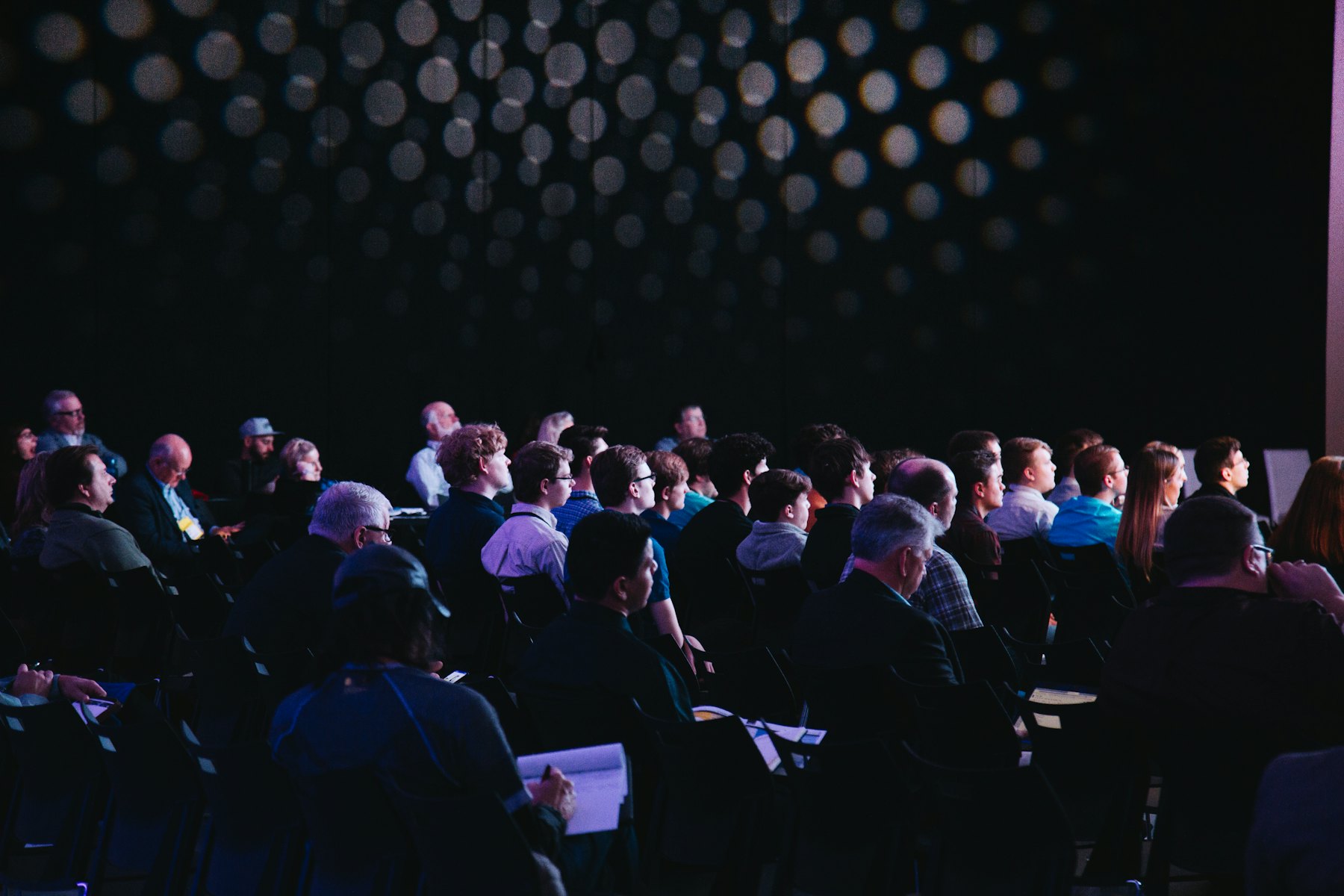
A seated audience in a darkened conference hall, waiting for a session to begin

The morning of the event

Nobody in this room should be waiting on a spreadsheet.

Doors open once. Everything below exists so that hour goes quietly.

Capabilities

What each system can do.

Top rows are table stakes. The further down you read, the more each diverges. A dash is a capability that event does not need.

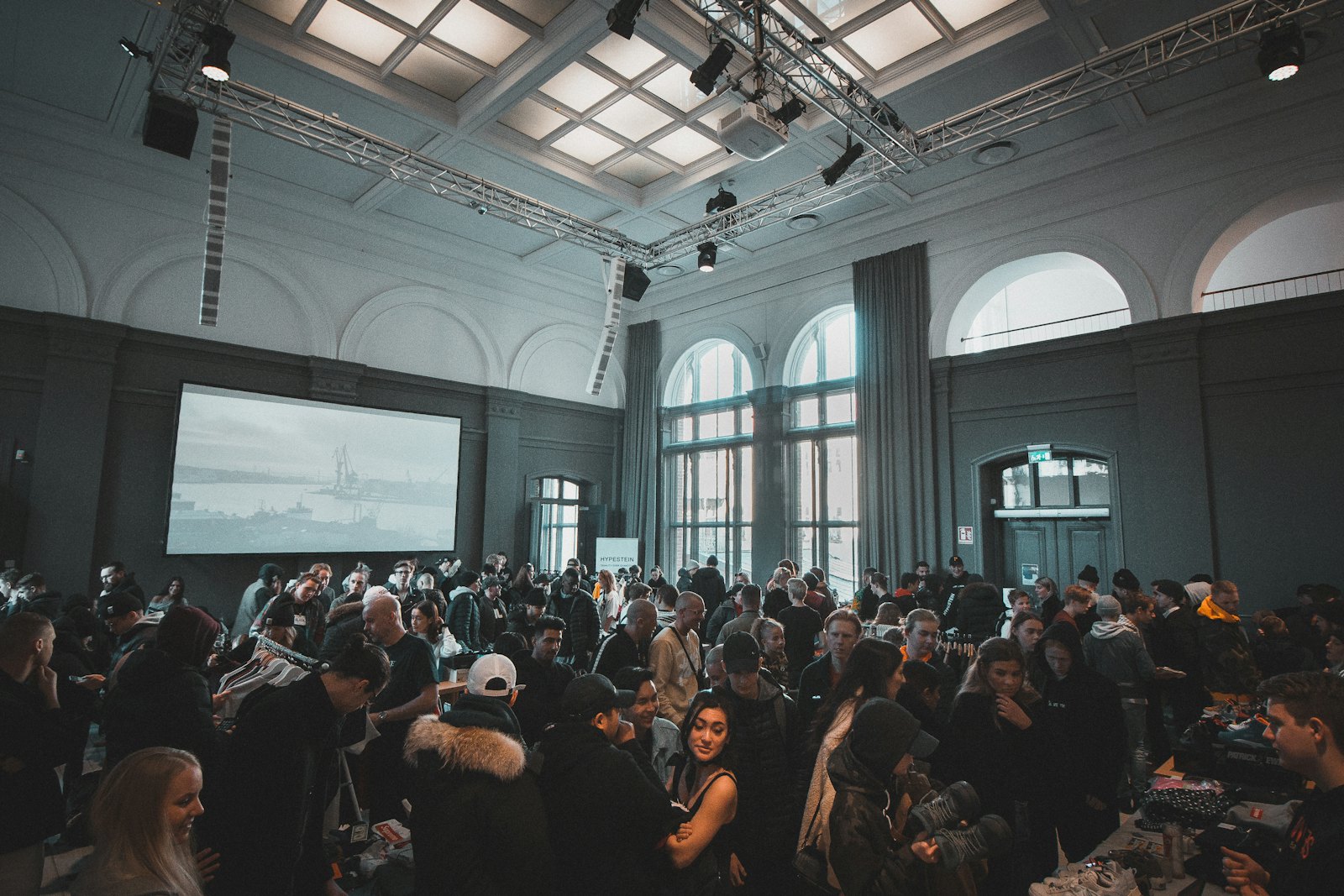
A full hall of attendees watching a presentation
Every row below started as something one of these rooms needed.

What does your event need?

IEEFA Forum
·
Open IEEFA Forum →
Honda DIGICON
·
Open Honda DIGICON →
Builder Summit
·
Open Builder Summit →
21 capabilities · 5 in every build, 16 across 8 decisions

Swipe the table to see every system

Capability IEEFA ForumHonda DIGICONBuilder Summit
5 5 5
4 0 2
0 1 0
2 1 0
0 0 4
0 0 2
0 1 1
0 1 1
1 0 0

Start here

Run the whole thing in five minutes.

Three roles, in order. Every step is a link into the running demo, so you can follow it straight through without deciding where to click next.

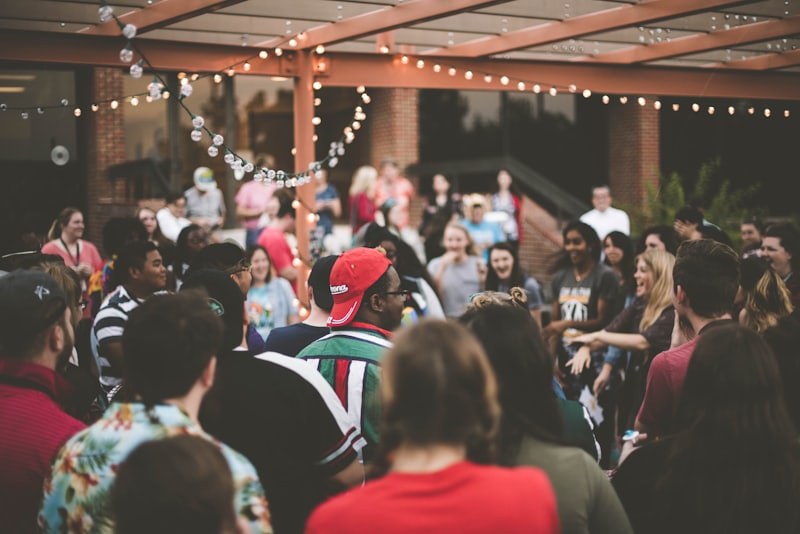
  1. Attendees gathered under string lights at an outdoor event 1

    Be an attendee

    No login needed

    1. Register for the Summit Pick VIP to hit the sold-out waitlist, or Regular with three seats to watch the group discount price itself, live.
    2. On the order page Declare the transfer with any reference number. Nothing is verified yet.
    3. Register for DIGICON A webinar that vets its guests. You land in the approval queue and receive only an acknowledgement.
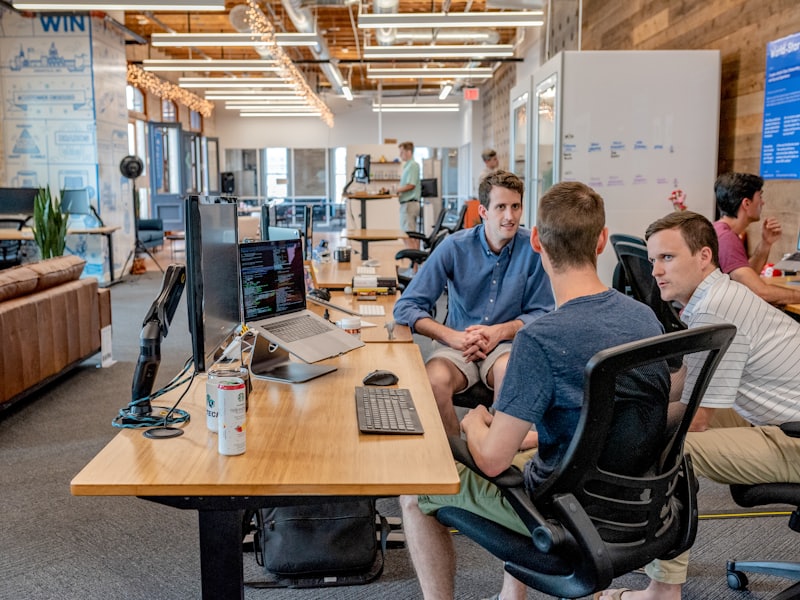
  2. An operations team working together at a desk of monitors 2

    Be the organiser

    Staff login needed

    1. Approve your DIGICON entry The approval mail, with the personal join link, sends on the click.
    2. Confirm the Summit payment Badges are issued for the whole order at that moment.
    3. Then, on the same dashboard Cancel a paid VIP order and the waitlist promotes itself and invoices the next person in line. Fire the H-1 wave, approve a late registrant, and watch the catch-up send.
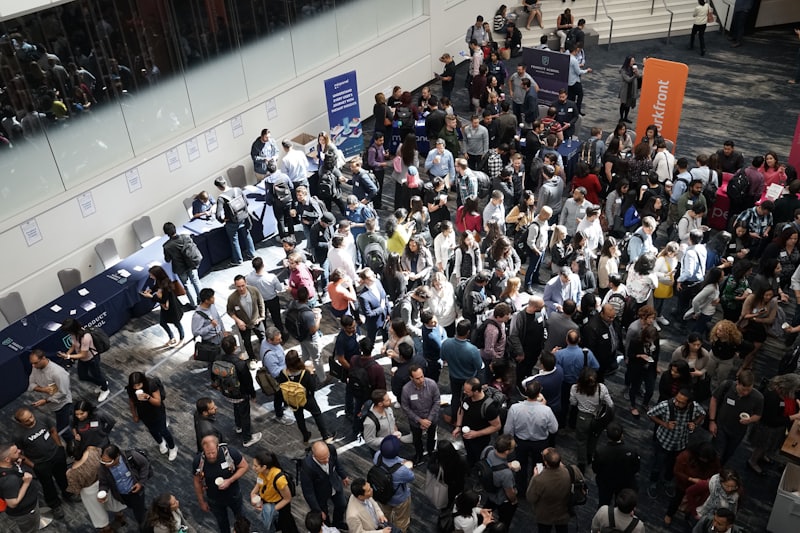
  3. A crowd arriving through a venue foyer, seen from above 3

    Be the door

    Same staff login as above

    1. Open the scanner Use a phone camera, or paste a badge code by hand.
    2. Scan the same badge twice The second scan reports the original arrival instead of counting it again. A badge booked into another room is refused by name.
    3. Read every email it sent The whole run, rendered exactly as it would land in an inbox.

Next event

Tell us the date and the room size.

Whether money changes hands is the only other question. An existing system is usually live within two weeks.

+62 822 5888 0109 · Mon–Sat, 09:00–18:00 WIB

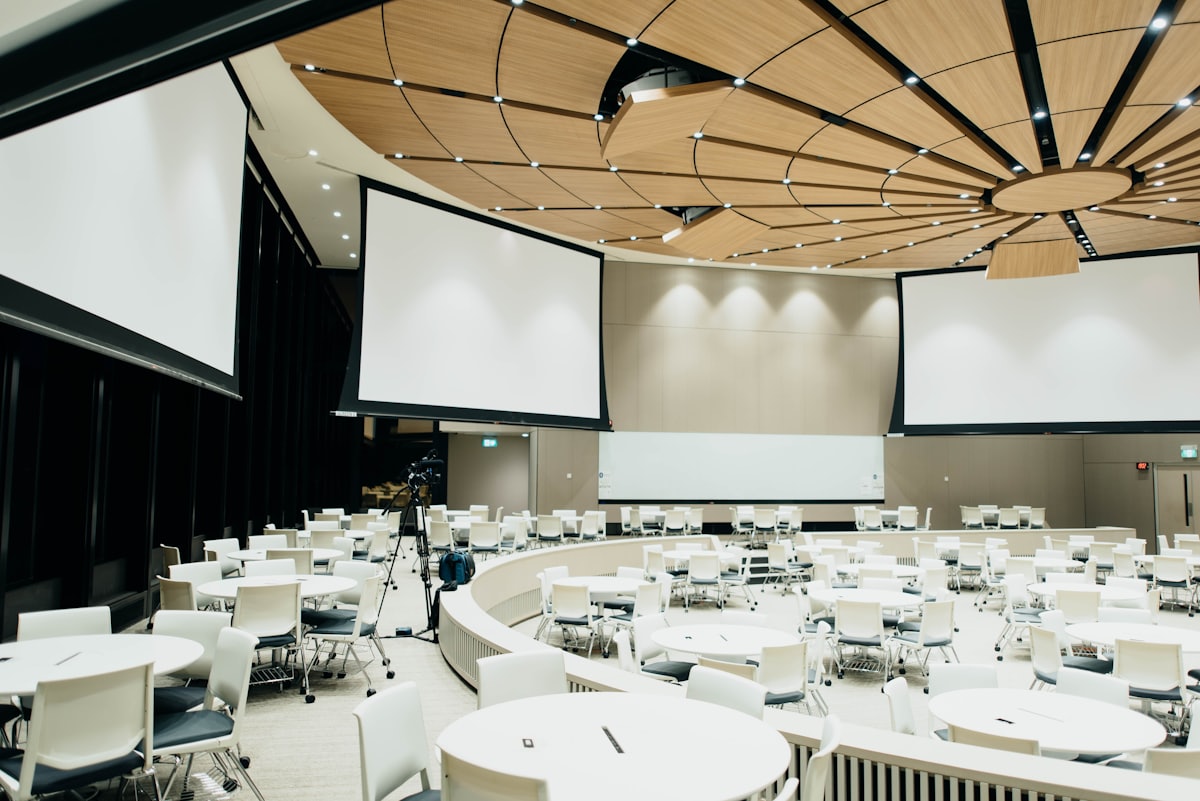
An empty conference room set with round tables and projection screens